Feature Deep-Dive
Every condition, every action, every routing rule — explained for evaluation.
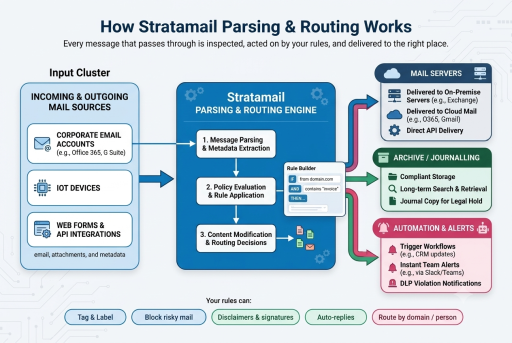
StrataMail Parsing, Routing & AI is built around rules: small, plain-English statements that say "when these conditions are true, take these actions." Rules are organized into groups that run top-to-bottom. Each rule and each group has its own continue-or-stop control for when it applies AND when it does not — enabling precise pipelines.
See it work right now
Send a voicemail audio file to our live demo and watch it become searchable, structured text — transcribed by a self-hosted engine that never sends your audio to a third-party service. It is the same Email Intelligence pipeline, applied to voice.
Try the Live Voicemail-to-Text Demo »Rules can target direction (incoming, outgoing, internal, unknown), be scoped to everyone, one domain, or specific addresses, and optionally operate only on a schedule (chosen days and time windows).
13 Condition Types
A rule applies only when all of its conditions match (AND logic). Exceptions
can be added to skip a rule when any exception condition matches. Text-based conditions support
four match modes: contains, wildcard (* ?),
exact, and regular expression.
| Condition | What It Checks |
|---|---|
| Direction | Incoming / outgoing / internal / unknown |
| Message type | New, reply, or forward |
| Sender address | The From address |
| Recipient address | Any recipient |
| Subject | The subject line |
| Message body | The body text |
| Header | A named header's value |
| Attachment filename | e.g. *.exe |
| Attachment type | e.g. application/* |
| Attachment size | Any attachment at or above a size |
| Message size | Whole message at or above a size |
| Recipient count | At least N recipients |
| Sending rate | More than N messages within a time window |
10 Action Types
When a rule applies, its actions run in the order you have listed them. Disclaimer, signature, and auto-reply text supports placeholders that fill in per-message and per-user details — sender name, title, subject, dates, domains.
| Action | Effect |
|---|---|
| Change subject | Add text to the front or end of the subject |
| Block message | Reject (notify sender), silently drop, or temporarily fail |
| Add / remove recipients | Add To / Cc / Bcc, remove recipients, or move all to Bcc |
| Add / change a header | Add, set, or remove a named header |
| Append a disclaimer | Add disclaimer text (with de-duplication) |
| Append a signature | Add a signature, personalized per user |
| Filter attachments | Strip attachments by name, type, or size |
| Compress attachments | Zip attachments above a size |
| Automatic reply | Send a one-per-window auto-response |
| Send to automation platform | Hand the message event to your AI / automation workflow |
Routing
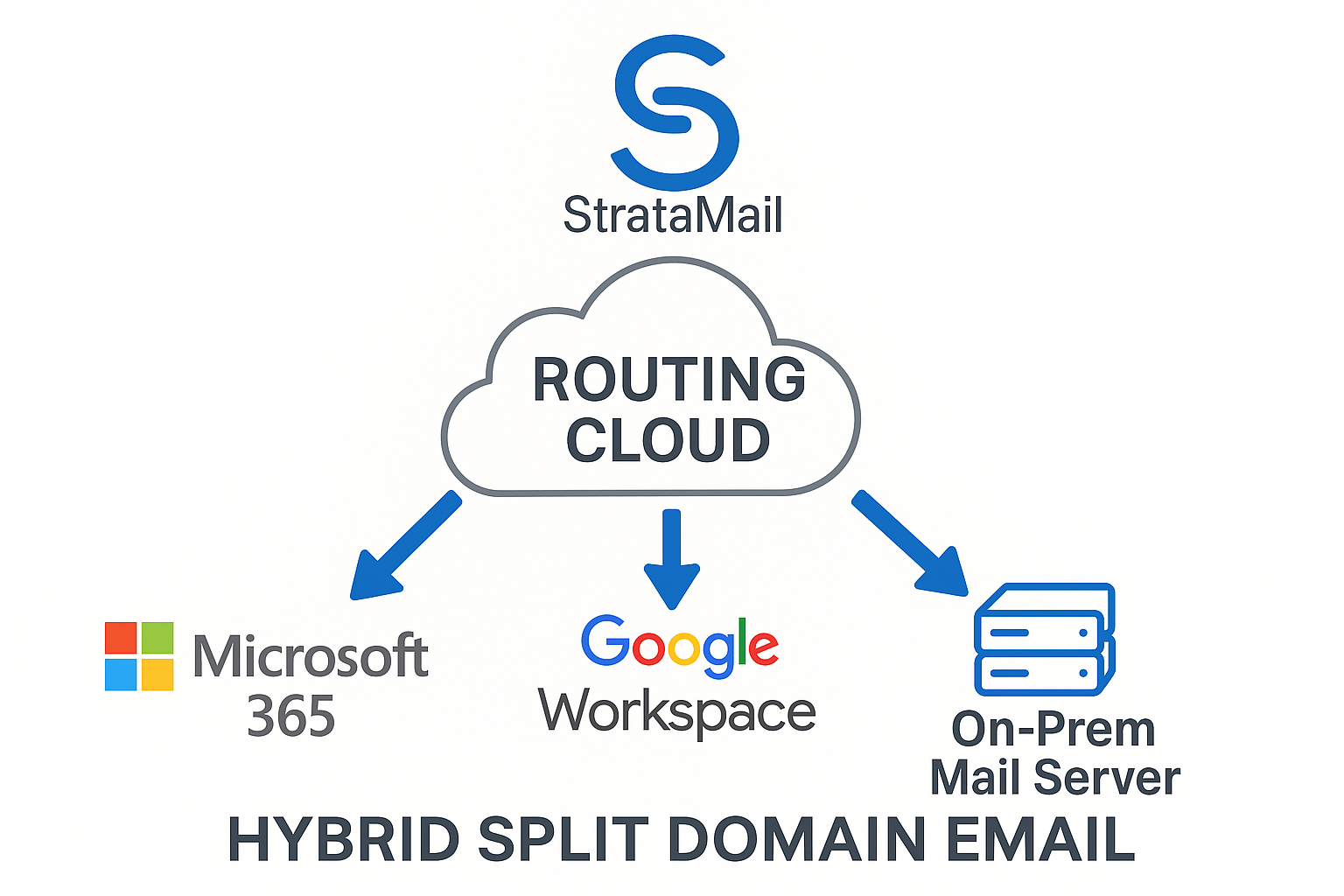
Each domain you handle can be routed to a specific destination server, and you can override routing for a single address — send one person's mail to a different server than the rest of their domain. Routing entries are ordered and managed in the Domains & Routing section of the console. A blank destination means the domain follows its normal mail records.
Common deployment patterns include hybrid Microsoft 365 / Google Workspace setups where some users live on each platform, split-domain configurations during migration, and per-team isolation where executive mail routes to a different server than general staff.
Rule Sections
General-purpose rules — any mix of conditions and actions — live under Policy Rules. In addition, each common single-purpose action has its own simplified section, so a focused rule can be built without working through the full editor. Every action the engine supports is reachable either through Policy Rules or one of these sections:
- Policy Rules — general-purpose rules with the full 13 conditions and 10 actions
- Tagging Rules — flag external mail, mark suspected phishing, or label messages by topic
- Blocking Rules — reject, silently drop, or temporarily defer messages that break policy
- Routing & Copy Rules — add or remove recipients, or BCC a journal mailbox or a manager
- Header Rules — add, set, or remove named headers for routing hints and classification
- Disclaimer Rules — simplified disclaimer management with de-duplication
- Signature Rules — simplified signature management with per-user personalization
- Attachment Rules — strip attachments by name, type, or size, or compress oversized files
- Autoresponder Rules — simplified out-of-office and acknowledgement responses
- Automation Rules — hand qualifying messages to your automation workflow for parsing and extraction
Supporting Features
Quick Setup
Guided plain-language recipes for the most common tasks — tag external mail, block risky attachments, add a disclaimer, keep a journal copy, send an auto-reply, flag keywords, manager BCC. Each recipe creates a complete, live rule.
Rules Tester
Paste a sample message and see exactly which rules match and what they would change, without sending anything. Critical for validating changes before they hit production mail flow.
Templates
Reusable disclaimer and signature text with placeholders that fill in per-message and per-user details automatically.
User Attributes
Per-person details that personalize templates — name, title, contact information, custom fields specific to your organization.
Activity View
Live view of recent processing — what messages went through, which rules fired, what actions ran, what routing was applied.
Per-Person Personalization
Signatures and disclaimers automatically pull each sender's own name, title, and contact details — one template, accurate per-user content.
Delivery & Reliability
- Mail keeps flowing even if rule processing is interrupted — the platform never holds up email
- Automatic replies and automation hand-offs happen asynchronously, so they never delay delivery
- Changes made in the console take effect within seconds
- Inline enable / disable on every rule and every group
- Reorder, clone, and move rules between groups — all changes reflect in live processing immediately
AI Handoff Detail
Output is structured, not free text. Extracted fields are delivered as clean, validated JSON shaped to a schema you define, so the record that reaches your webhook, CRM, or ERP is ready to use rather than something a downstream system has to parse again.
The Send to automation platform action is the integration point between the sequential email rules engine (conditions and actions) and your AI workflows. When a rule with this action matches, the platform passes the message event (headers, body, attachments) to a downstream workflow that can parse structured text from the email payload, extract table data from inbound email, and return extracted email body data as JSON to your API, database, or n8n workflow. From there a workflow can:
- Transcribe audio attachments using cloud or self-hosted speech-to-text with multi-language detection
- Extract structured data from invoice, order, ticket, or form-submission emails using LLM reasoning over your custom schema
- Classify and prioritize support emails by category, sentiment, and urgency
- Draft starter replies using LLM generation tuned to your tone and templates
- Route results to your stack — CRM, ticketing, accounting, custom databases, or internal applications
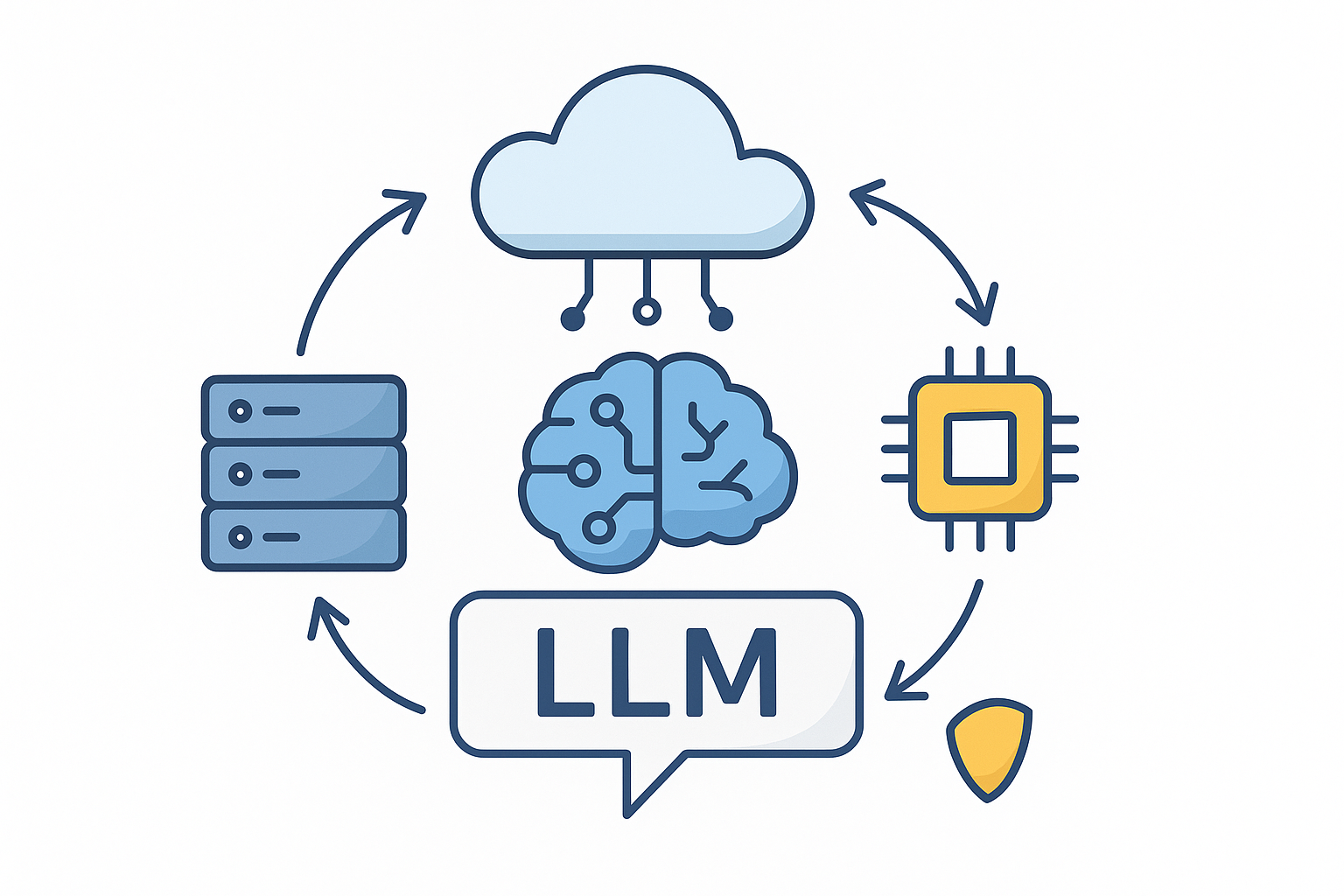
Organizations that cannot send content to cloud AI services can deploy local LLM processing on their own VPS or Proxmox infrastructure — message content never leaves your environment. See Local LLM Automation for the private-deployment model.
Automation & Data Extraction
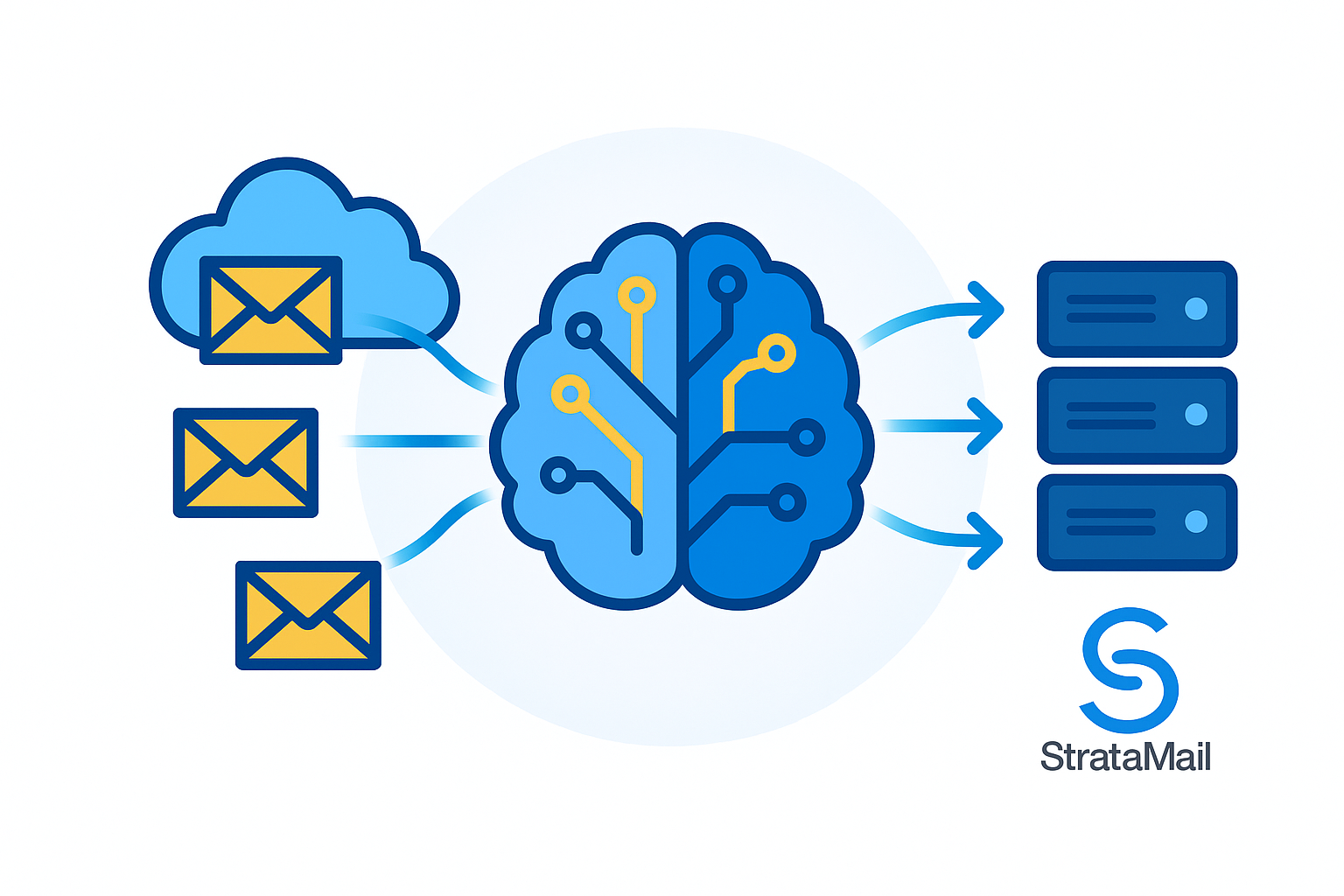
Downstream of the rules engine, automated email data extraction turns unstructured messages into clean, structured records. The engine reads lines and fields from raw PDF and text streams in the message body and attachments, extracts table rows, and pushes clean JSON arrays into external databases, CRMs, ERPs, ticketing, and accounting systems — through a managed workflow layer that runs the pipeline.
- Email automation workflows — hundreds of ready connectors, visual workflow design, branching logic, retries, and logging
- Structured extraction — pull invoice numbers, order details, SKUs, line items, and dates from email body text and PDF attachments into a schema you define
- Clean output — deliver results as JSON arrays to an API endpoint, webhook, or direct database write
- Voicemail attachment transcriber — self-hosted multi-language speech-to-text that never sends audio to third-party services
- Reliable execution — the workflow layer handles authentication, error handling, and retry logic when downstream systems are unavailable
Common pipelines include order intake, support-ticket creation, invoice and document processing, and lead capture into a CRM — each built as a rule that hands matched messages to the automation layer.
Migrating From a Legacy System? Start With Discovery
Replacing a legacy email classification or routing funnel is a mapping exercise, not a rebuild. Every engagement starts with a short, structured Discovery phase that turns your inbox ownership, your categories, and the lookups that resolve the hard cases into a configuration blueprint the build is scoped from — and the platform coexists with what you run today, so you migrate one inbox or category at a time.
Ready to See It Run?
Request a console walkthrough — we will demonstrate rule building, the Rules Tester, per-domain routing, and the AI handoff flow against scenarios from your environment.
Ready to evaluate this for your workflows?
Every rule and action above can be tailored to your environment. Start with a scoping conversation.
Request a Consultation Schedule a Discovery CallNext step
Talk to us about Email Intelligence
Describe Your Challenge Schedule a CallNot ready to talk? Start with the Automation Discovery, $149.
Or call 866.790.4678
Start here
Automation Discovery — $149
Bring the messages you receive and the systems they need to reach. We tell you what can be automated and what cannot.
What you get back
- Which of your inbound message types can be parsed reliably and which cannot
- The rules and integrations a working pipeline would need
- An honest scope and cost range before you commit to anything
Turnaround 45 minutes, scheduled. If you go ahead with the work it recommends, the fee is credited against it in full.
Request the Automation Discovery See consulting ratesTell us about your Email Intelligence needs
Describe your situation and we will look into it and get back to you.
Describe Your Challenge Schedule a Call